Appearance
Welcome
This page is a work in progress (Sept 2025). Feedback welcome!. VIDEO Guides versions coming soon
How might you use nodenogg.in?
The following is a growing series of examples or scenarios in ways nodenogg.in excels and could be used to support your social learning spaces.
For all these examples, start with the basic how to steps.
- Step 1. Visit https://nodenogg.in
- Step 2. Click or tap Join, type in the microcosm name specified for your activity.
- Step 3. Click or tap add, write notes in as many nodes as you want.
Tip
A microcosm name is unique to your activity but anyone can join this if they happen to be online at the same time as you and your participants, so try to use a simple but unique microcosm name for your session.
Pro tip for microcosm naming
Create something that is easy to type and easy to share or shout out! We suggest writing it on a whiteboard or Flipchart at the front of the room/ studio. However, you want to make it unique.
Why unique?
nodenogg.in microcosms can be joined by anyone, and the data is sync'd so if you are in the same microcosm as anyone they will sync data, so two groups might be using the same instance of nodenogg.in for example at https://nodenogg.in at the same time, and if they happen to use the same microcosm name this will sync across all devices, it's not likely, but it is possible, so we recommend using a qualifier, for example if you want to use a microcosm called adam, instead try, adamgames, adamfineart, adamfashion. Don't overly complicate it unless you really want to, the easier it is for everyone to join, the better.
Running a large crit with nodenogg.in
Want to run a session with over 30 participants, this is for you. 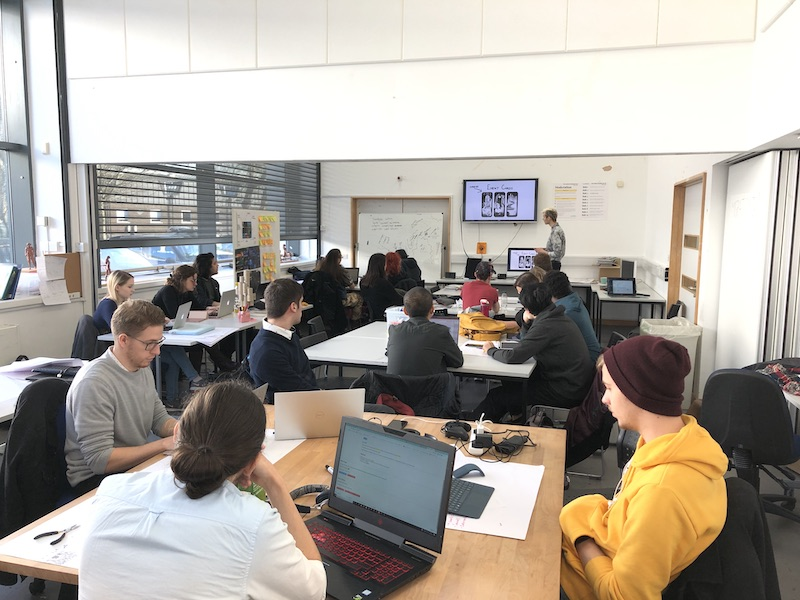
You want students to present their work to a large group and get feedback from everyone, but with over 30 people, there won't be time to hear from everyone, some participants are confident in speaking up and others are not. Adding nodenogg.in to the activity allows for more feedback in possible a shorter period of time but more importantly encourages everyone to participant, no matter how confident or what their role is, tutor or student.
Stopping the HiPPO!
“HiPPO” stands for “Highest-Paid Person’s Opinion” and refers to situations where business decisions are heavily influenced by the views of the most senior, highest-paid person in the room, rather than being driven by data or collective input from the team.
Start the session by advising everyone the microcosm name, write the microcosm name on a whiteboard or Flipchart for everyone to see.
You can now run the large crit in whatever manner you deem fit, in the same way you did before, however participants can also add nodes into nodenogg.in, this could be capturing what people say, it could be direct feedback.
Where is my feedback?
Make sure the student that was showing their work has a chance to visit nodenogg.in from there own device at the end of the session so the can sync a copy of the feedback
Giving a talk and want to capture realtime feedback
This is vert be similar to running a large crit, but you ask participants to use a microcosm to gather feedback directly into nodenogg.in while you are presenting. If presenting from a screen you could put the unique microcosm name on slide one and give people a moment to join.
What about using a QR Code?
You could use a QR code in your slides, but this will mean participates are forced to use their phones, which isn’t always the best typing environment.
At the end of your presentation you can the flip to the spatial view and see what people have said, comments, questions or queries. You could have advised or suggested to allow time to answer, respond to them after the presentation, if you want to, otherwise you read take the feedback later.
Where is my feedback?
Make sure that you joined nodenogg.in from you device before the end of the session to make sure you sync.
Running small crits with nodenogg.in
Running a crit with groups of students/ researchers, this is for you. TBC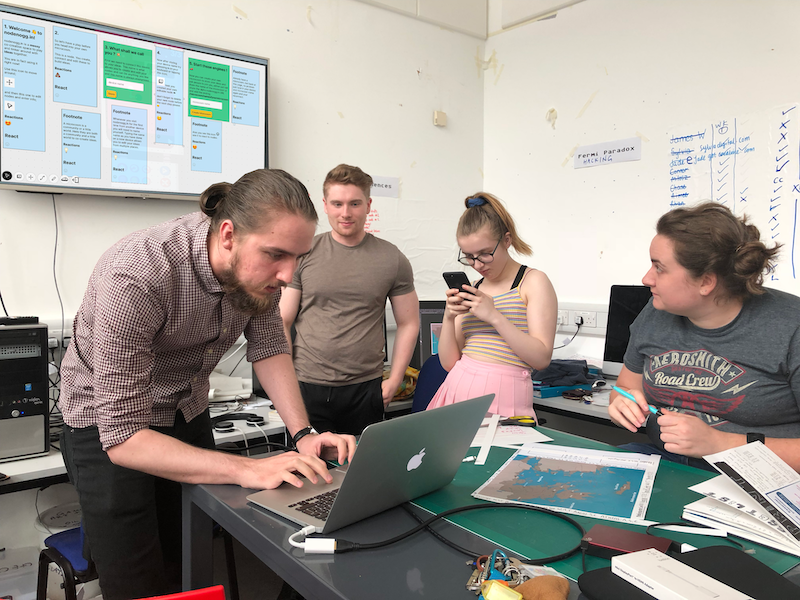
Gathering timely Feedback with nodenogg.in (including during workshops)
Want to gather thoughts, feedback, and state of play with groups large or small, check this out. TBC